BookTracker - LifeTracker
By Ethan Milton Wilde
- Category Book
- Release Date 2026-11-05
- Current Version 1.0.1
- File Size 62.82 MB
- Links Google Play
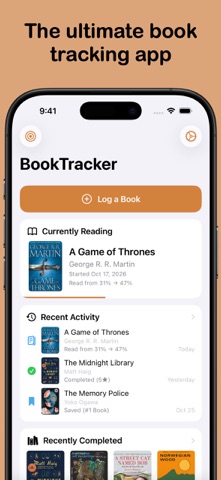
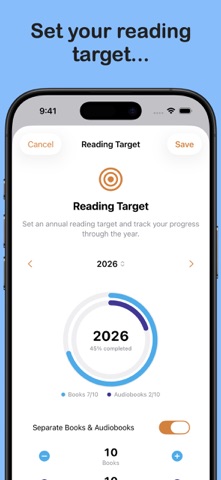
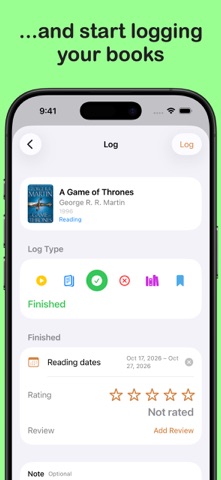
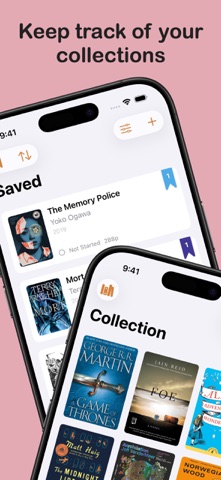
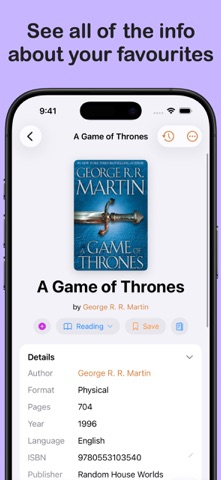
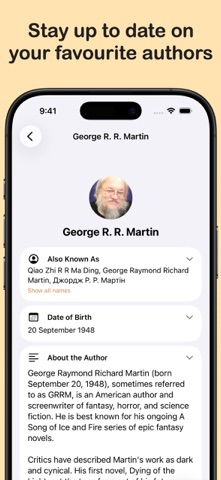
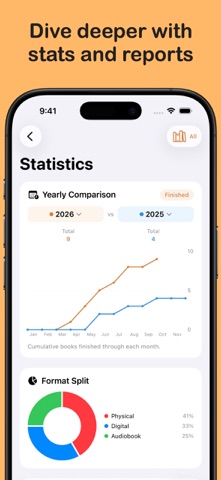
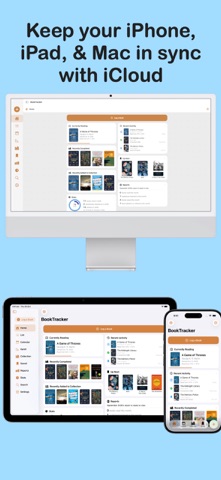
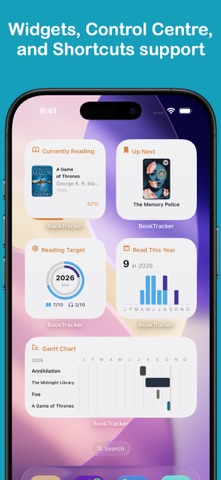
BookTracker makes it easy to track, log, and stay on top of your library. Set your reading target, add to your library and saved queues, and start reading! With BookTracker, you can add and organise your library into collections, see all of your book's information thanks to Open Library integration. Simply input the name, ISBN, or scan the barcode, and you can start logging: track your start and end dates, reading progress, completions, did-not-finishes, and more. And if Open Library doesn't have the book you want, you can manually add it into BookTracker. Rate books and write reviews, and dive into the statistics of your reading journey. BookTracker also features: - Split Reading Targets between Audiobooks and Physical/Digital Books - Reading Reminders - Reading Speed Tests - View Author Pages - Multiple Languages - Fully Customisable Information Pages and App Accent Colour - and more Featuring iCloud synchronisation between devices, BookTracker can be used on your iPhone, on your iPad, or on your Mac. It also has home and lock screen widgets, Control Centre widgets, and Apple Shortcuts support, so that you can use it how you want it. You can easily view and export your reading reports, showing your progress over time, and can export your library or collections in JSON, CSV, or PDF, for use outside of BookTracker. The basic version of BookTracker is free to use. Upgrading to BookTracker Pro is a simple, one-off purchase. One purchase unlocks BookTracker Pro for all of your devices, and allows the following: - Custom Covers - Customisable Activity & Book Symbol Colours - Expanded Font Selection for Reviews - Expanded Statistics - Tab Bar & Sidebar Customisation - Custom App Icons Please contact [email protected] with any concerns, bugs, issues, or suggestions, or visit LifeTracker.Studio for more information on BookTracker or any of our other apps. Happy Tracking!